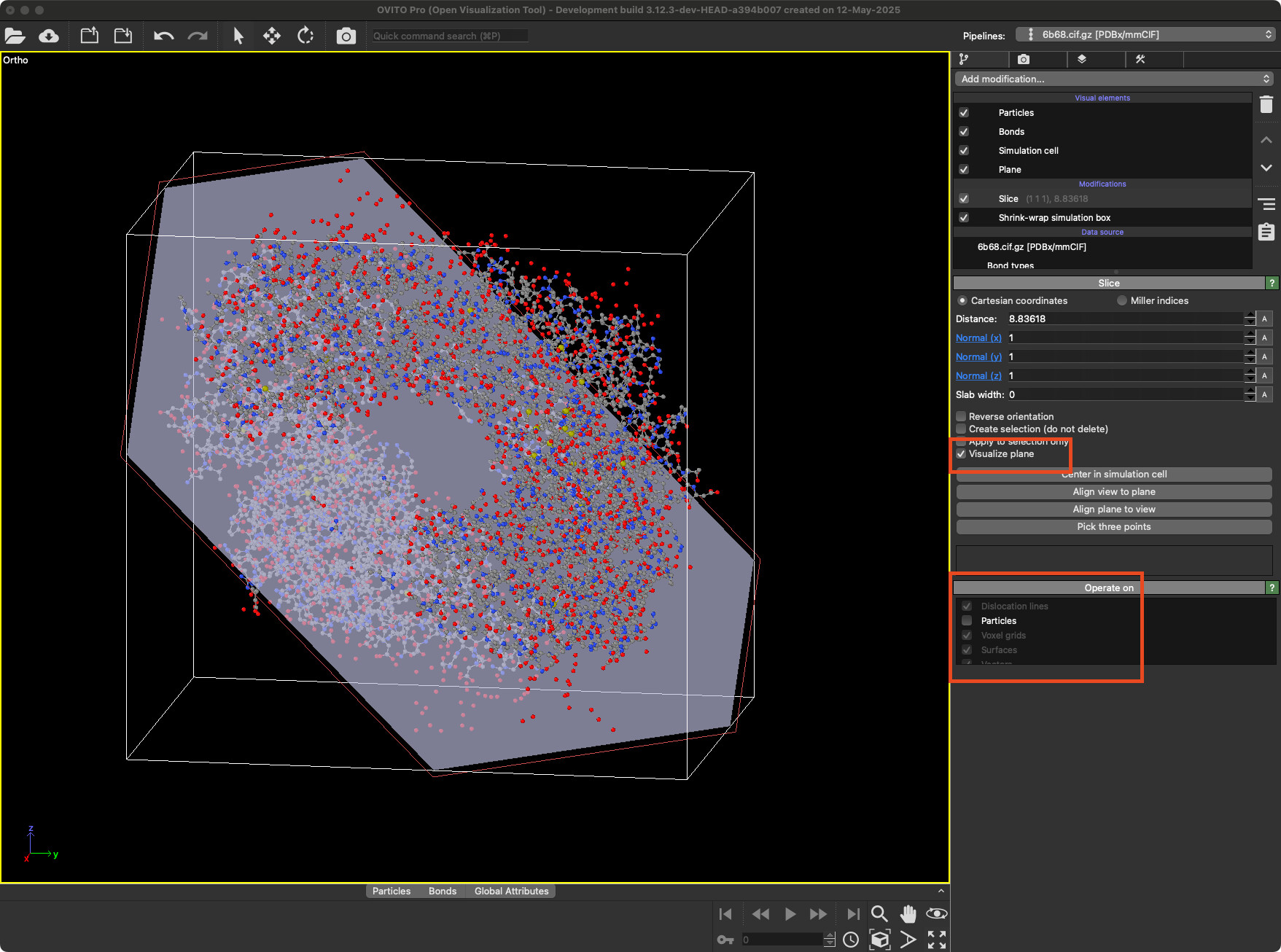
I would like to visualize the boundaries between regions with different crystal structures by adding four reference planes (for example: y = 10, y = 20, x = 15, and x = 25). I try with the Slice modifier in OVITO, but it seems that it always adds modifications to the viewpoint, and the positions of the planes cannot be obtained directly.
Could you please advise if there are alternative ways to achieve this—either through the GUI or using the OVITO Python module?
For reference, I am currently using OVITO Basic.
This is exactly what I am looking for. Thanks very much!
I would like to add planes by knowing the exact equation like y=10, directly. With the Slice modifier, the position of the plane can be determined indirectly using the Distance and Slab width parameters. While it does require some calculation, it is not overly complicated. I had initially asked because I was considering adding labels to the sliced planes—for example, placing a label like y = 10 directly on the output figure to improve clarity. However, since the necessary values can be derived without much difficulty, perhaps it’s not essential to mention this further.
I would like to suggest a potential feature to the Slice modifier: adding a feature to control the thickness of the plane’s edge rendering. I noticed that Display color and Transparency can already be adjusted, which is helpful. However, in some views—for instance, a top view along the z-axis for a plane at y = 10—only the thin edge of the slice is visible. Without the ability to increase the edge thickness, it can be quite difficult to see the plane clearly from that perspective.
Thank you for the suggestion. I’ve added it to our feature‑request list; however, I cannot guarantee it will be implemented soon or ever.
As a workaround, you can use the lines feature to draw the edge you’d like to visualize. The lines visual element provides much greater control over line width and color. At present, the lines object can only be added to the viewport via the Python interface.
Thank you for the suggestion and for adding it to the feature-request list! I appreciate the workaround with the lines feature, and I’ll look into using the Python interface for that.